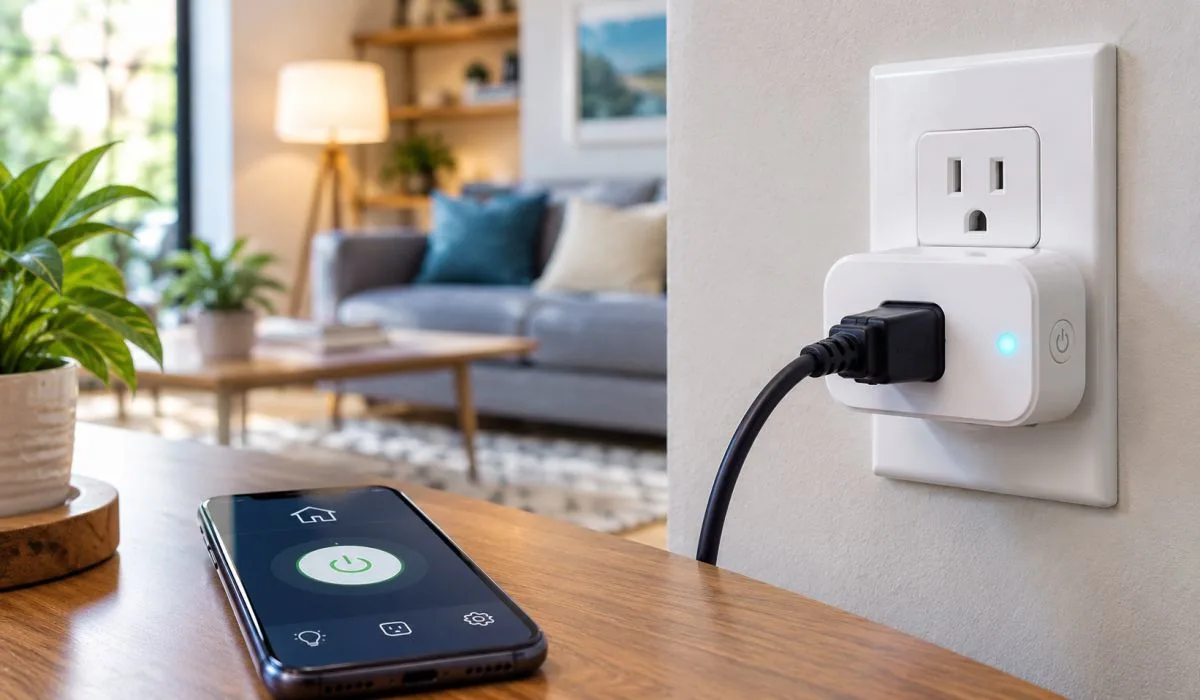
You do not need to buy a new TV or lamp to make your home smart. A smart plug fixes that for less than $30. You plug it into your wall. You plug your old device into it. Now you control that device from your phone. You can set timers. You can turn things on and off from anywhere. You can even use your voice.
This article covers the best smart plugs for home automation. We look at what works with Google Home. We look at Apple HomeKit options. We look at what is available in India. We also cover the 5GHz Wi-Fi question that confuses many buyers.
What Is a Smart Plug?
A smart plug is a small adapter that goes between your wall outlet and your device. It connects to your Wi-Fi. Then you control it through an app.
That is it. Simple. You can turn a fan on before you get home. You can set your coffee maker to start at 7am. You can make a lamp turn on at sunset. You can check if you left the iron on.
Most smart plugs cost between $10 and $30. Some come in packs of four for around $40. They are one of the cheapest ways to start with home automation.
Read More: Viral Gadgets on Social Media: What Is Actually Worth Buying
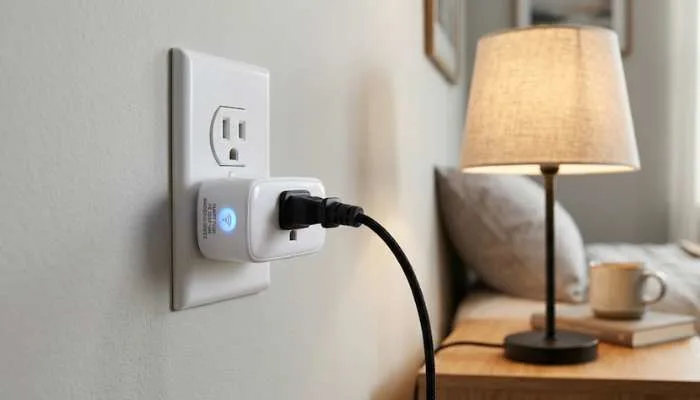
Best Smart Plugs for Home Automation
1. Kasa Smart Plug Mini (Best Overall)
- The Kasa Smart Plug Mini is the one most people should buy. It is small. It does not block the second outlet. The app is easy to use. It works with Google Home and Amazon Alexa.
- Setup takes about two minutes. You plug it in. You open the app. You connect to Wi-Fi. Done.
- It also has a scheduling feature. You can set it to turn on and off at certain times. It remembers your settings even if the Wi-Fi goes down.
Price: Around $15 for one. Around $35 for four.
2. Amazon Smart Plug (Best for Alexa Users)
- If you use Alexa, this is the easiest choice. Setup is almost automatic. You plug it in. Alexa finds it. You are done.
- It only works with Alexa. No Google Home. No Apple HomeKit. So keep that in mind.
Price: Around $25.
3. TP-Link Tapo P100 (Best Budget Pick)
- The Tapo P100 does the basics for very little money. It works with Google Home and Alexa. It has scheduling and timers. The app is decent.
- It does not support 5GHz Wi-Fi. That is the main downside. You need a 2.4GHz network.
Price: Around $10.
4. Eve Energy (Best Apple HomeKit Smart Plug)
- If you use Apple HomeKit, the Eve Energy is the one to get. It works with Siri. It works with the Home app. It also supports Thread, which makes it faster and more reliable.
- The best part? It does not need a separate app. You set it up in the Home app.
- It also tracks energy use. You can see how much power your device draws.
Price: Around $40.
5. Wemo Smart Plug (Best for HomeKit on a Budget)
- The Wemo Smart Plug is a cheaper HomeKit option. It works with Siri and the Home app. It also works with Google Home and Alexa.
- It is a bit bigger than the Eve Energy. But it costs less.
Price: Around $25.
6. Govee Smart Plug (Best for RGB Fans)
Govee is known for LED lights. Their smart plugs are solid too. They work with Google Home and Alexa. The app has good automation options.
If you already use Govee lights, this fits right in.
Price: Around $13.
7. Meross Smart Plug Mini (Best for Small Spaces)
- The Meross Mini is tiny. It fits in tight spots. It works with Google Home, Alexa, and Apple HomeKit. That is rare at this price.
- It also supports 2.4GHz Wi-Fi only.
Price: Around $15.
8. BN-LINK Smart Plug (Best for Heavy Loads)
- Most smart plugs handle small devices. The BN-LINK handles bigger ones. It can take up to 15 amps. That means you can use it with a heater or a window AC unit.
- It works with Google Home and Alexa.
Price: Around $20.
9. Wyze Smart Plug (Best for Wyze Users)
- If you use Wyze cameras or sensors, this plug fits your setup. It works with Google Home and Alexa. The app is simple.
- It does not support HomeKit.
Price: Around $12.
10. Aqara Smart Plug (Best for Energy Monitoring)
- The Aqara Smart Plug tracks how much power your devices use. You can see it in the app. It works with Apple HomeKit, Google Home, and Alexa.
- It needs an Aqara hub for some features. But basic control works without one.
Price: Around $30.
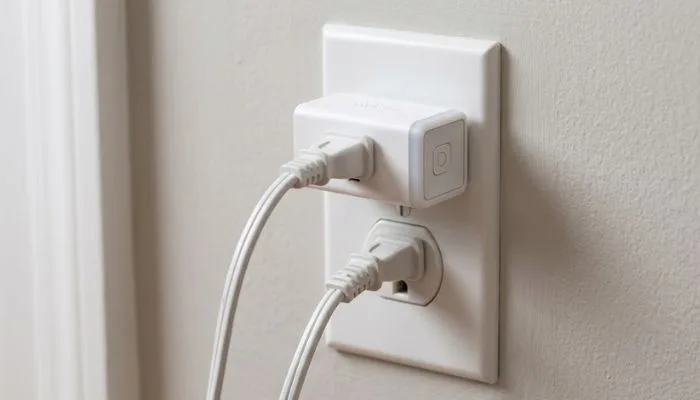
Top 10 Smart Plugs: Quick Comparison
| Plug | Works With | 5GHz? | Price |
|---|---|---|---|
| Kasa Mini | Google, Alexa | No | $15 |
| Amazon Plug | Alexa only | No | $25 |
| Tapo P100 | Google, Alexa | No | $10 |
| Eve Energy | HomeKit | No | $40 |
| Wemo | All three | No | $25 |
| Govee | Google, Alexa | No | $13 |
| Meross Mini | All three | No | $15 |
| BN-LINK | Google, Alexa | No | $20 |
| Wyze | Google, Alexa | No | $12 |
| Aqara | All three | No | $30 |
Do Smart Plugs Work on 5GHz Wi-Fi?
This is the question that trips up many buyers. Here is the short answer.
- Most smart plugs only work on 2.4GHz Wi-Fi. They do not work on 5GHz.
- Why? Because 2.4GHz has longer range. It goes through walls better. Smart plugs do not need fast speeds. They just need a stable connection. So 2.4GHz is fine for them.
- If you search for Best smart plugs 5GHz, you will find very few options. Some newer plugs support both bands. But most do not.
- What if your router is 5GHz only? You have two choices. You can turn on the 2.4GHz band in your router settings. Most routers have both. Or you can buy a plug that supports 5GHz.
- Some dual-band options exist. But they cost more. And they are not common.
So before you buy, check your router. Make sure it has a 2.4GHz network. If it does, you are fine.
You May Also Read: New Tech Gadgets Coming in 2026: Top Devices to Watch
What Smart Plugs Work With Google Home?
Many smart plugs work with Google Home. Here are the ones that work best.
- Kasa Smart Plug Mini
- TP-Link Tapo P100
- Wemo Smart Plug
- Govee Smart Plug
- Meross Smart Plug Mini
- BN-LINK Smart Plug
- Wyze Smart Plug
- Aqara Smart Plug
Setup is simple. You add the plug in its own app first. Then you link that app to Google Home. Then you can control it with voice.
You can say things like "Hey Google, turn off the lamp." Or "Hey Google, turn on the fan."
You can also add plugs to routines. For example, you can make a "Good Morning" routine. It turns on your coffee maker and your bedroom light at the same time.
Best Smart Plug India
If you live in India, your options are a bit different. Here are the best smart plugs available there.
- Wipro Next Smart Plug. Works with Alexa and Google Home. Costs around Rs 1,200. Good build quality. Easy setup.
- Syska Smart Plug. Works with Alexa and Google Home. Costs around Rs 1,000. Simple app. Good for beginners.
- TP-Link Tapo P100. Available in India for around Rs 900. Works with Google Home and Alexa. Solid choice.
- Mi Smart Plug. Works with Google Home and Alexa. Costs around Rs 800. Very popular in India. Often sold out.
- Oakter Smart Plug. Made in India. Works with Alexa and Google Home. Costs around Rs 1,500. Good for Indian voltage.
One thing to note. Indian plugs use a different socket type. So make sure the plug fits your wall outlet. Most smart plugs sold in India have the right pins. But check before you buy.
Also check the voltage. India uses 230V. Most smart plugs handle this. But again, check the specs.
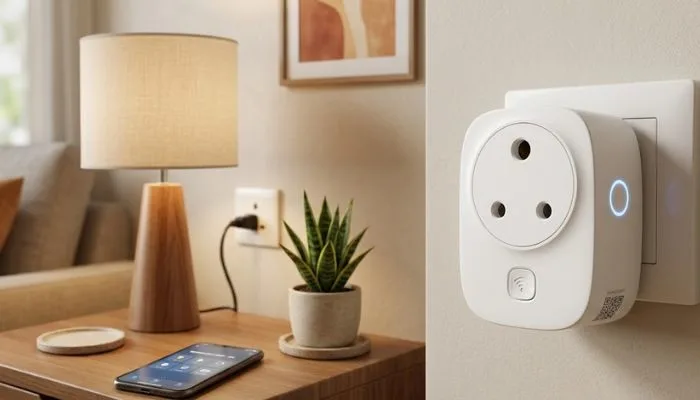
Best Apple HomeKit Smart Plug
If you use Apple devices, you want a HomeKit plug. Here are the best ones.
- Eve Energy. The top pick. Works with Siri. Supports Thread. Tracks energy use. Around $40.
- Wemo Smart Plug. Cheaper option. Works with Siri. Also works with Google and Alexa. Around $25.
- Meross Smart Plug Mini. Budget pick. Works with HomeKit, Google, and Alexa. Around $15.
- Aqara Smart Plug. Good for energy tracking. Works with HomeKit. Around $30.
HomeKit plugs are usually more expensive. That is because Apple has stricter rules. The hardware has to meet certain standards. So you pay a bit more.
But the setup is very smooth. You scan a code. It adds to your Home app. Done. You can also use Siri to control them. "Hey Siri, turn off the fan." It works.
How to Choose a Smart Plug?
Here are the main things to check.
- Wi-Fi band. Does it need 2.4GHz or 5GHz? Most need 2.4GHz. Check your router first.
- Voice assistant. Do you use Alexa, Google Home, or Siri? Make sure the plug works with your assistant.
- Size. Some plugs are bulky. They block the second outlet. Look for "mini" versions if space is tight.
- Energy monitoring. Some plugs track power use. This is helpful if you want to save electricity.
- App quality. A good app makes a big difference. Read reviews about the app before you buy.
Price. You can spend $10 or $40. The cheaper ones do the basics. The pricier ones add HomeKit or energy tracking.
Final Verdict
The best smart plugs for home automation are the ones that fit your setup. If you use Alexa, get the Amazon Smart Plug. If you use Google Home, get the Kasa Mini. If you use Apple HomeKit, get the Eve Energy.
For budget buyers, the Tapo P100 is hard to beat. For India buyers, the Wipro or Mi plugs are solid choices.
Do not worry too much about 5GHz. Most smart plugs need 2.4GHz. Just check your router has that band turned on. It probably does.
Start with one plug. See how you like it. Then buy a pack of four. Before long, your whole home will run on timers and voice commands. And you will wonder why you did not do it sooner.
FAQs
1. What is a smart plug and how does it work?
A smart plug is a small adapter. You plug it into your wall socket. Then you plug your device into it. It connects to your Wi-Fi. You control it from your phone. That's it. You can turn things on and off. You can set timers. You can use voice commands. No wiring needed. No electrician needed.
2. Do smart plugs work on 5GHz Wi-Fi?
Most don't. They need 2.4GHz. That's just how they are built. 2.4GHz goes through walls better. Smart plugs don't need fast speeds. They just need a stable signal. So 2.4GHz is perfect for them. If your router is 5GHz only, turn on the 2.4GHz band in settings. Most routers have both. If yours doesn't, buy a dual-band plug. They exist but cost more.
3. What smart plugs work with Google Home?
Lots of them do. Kasa Mini works. Tapo P100 works. Wemo works. Govee works. Meross works. BN-LINK works. Wyze works. Aqara works. Setup is easy. Add the plug in its own app first. Then link that app to Google Home. Then you can say "Hey Google, turn off the light." Simple.
4. What is the best smart plug for Apple HomeKit?
Eve Energy is the best. It works with Siri. It supports Thread. It tracks energy use. Costs around $40. Wemo is cheaper. Around $25. Meross Mini is the budget pick. Around $15. All three work with HomeKit. Setup is smooth. You scan a code. It adds to your Home app. Done.
5. Which smart plug is best in India?
Wipro Next is good. Around Rs 1,200. Works with Alexa and Google. Syska is cheaper. Around Rs 1,000. Mi Smart Plug is popular. Around Rs 800. Often sold out though. TP-Link Tapo P100 is solid. Around Rs 900. Oakter is made in India. Around Rs 1,500. All work fine. Just check the pin type. Indian sockets are different.
6. Can smart plugs handle heavy devices like heaters?
Some can. Most handle small stuff. Lamps. Fans. Phone chargers. But heaters and AC units draw a lot of power. You need a plug rated for 15 amps. BN-LINK makes one. Around $20. Check the specs before you buy. If it says 10 amps, don't use it with a heater. It could overheat. Stay safe.
7. Do smart plugs use a lot of electricity?
No. They use very little. Like 1 to 2 watts when idle. That's pennies a year. Some plugs track energy use. That helps you see what your devices draw. You might find your old TV uses more than you thought. Then you can unplug it. Save money. The plug pays for itself.
8. What is the best smart plug for home automation?
Depends on your setup. Alexa user? Get Amazon Smart Plug. Google user? Get Kasa Mini. Apple user? Get Eve Energy. Budget buyer? Get Tapo P100. India buyer? Get Wipro or Mi. Start with one. See how you like it. Then buy a pack of four. Before long, your whole home runs on timers. And you wonder why you waited so long.